Your API Integration Assistant
Scan any API reference page, and n8endpoint automatically creates an n8n workflow or MCP server workflow for you.
Setup
Under 2 minutes
Primary
Auto workflow creation
Secondary
MCP workflow export
Need custom API integrations in n8n? We also design, build, and deploy full production workflows.
Integration ConsultingWhat n8endpoint automates for you
Instead of wiring every API integration manually, let n8endpoint scan the docs and build workflow-ready outputs for n8n and MCP use cases.
Assistant-led workflow creation
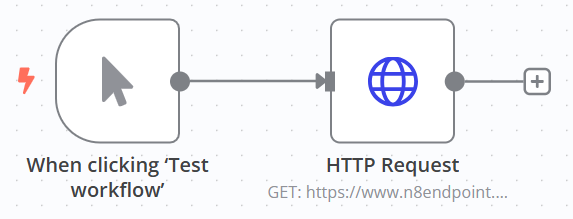
Connect your n8n webhook and let n8endpoint generate workflow nodes automatically from detected endpoints.
MCP server workflow export
Build MCP-ready workflows for AI agent tooling with auto-generated tool names and endpoint mappings.
Context-aware scanning engine
Parses OpenAPI JSON, doc text patterns, cURL examples, and data attributes to find usable REST endpoints.
SPA-aware endpoint discovery
Runs multiple scan passes and deduplicates results so React-based docs are captured after hydration.
Built for real API docs
Works with common documentation platforms including Swagger UI, Redoc, Redocly, and Stoplight Elements.
JSON export as fallback
Prefer automation first, but download n8n-compatible JSON when you need manual control.
From API docs to runnable integrations in four steps
n8endpoint handles detection and generation so you can move faster on real integration logic.
- Step 01
Open an API reference page
Go to Swagger, Redoc, Stoplight, or another REST docs page with visible endpoints.
- Step 02
Run the assistant scan
n8endpoint parses endpoint patterns, OpenAPI snippets, cURL blocks, and data attributes.
- Step 03
Choose automation output
Auto-create an n8n workflow via webhook or export an MCP server workflow for AI-agent tooling.
- Step 04
Open n8n and run
Use the generated workflow immediately, then add auth and parameter details where required.
Need manual control? JSON export is still available as a fallback path.
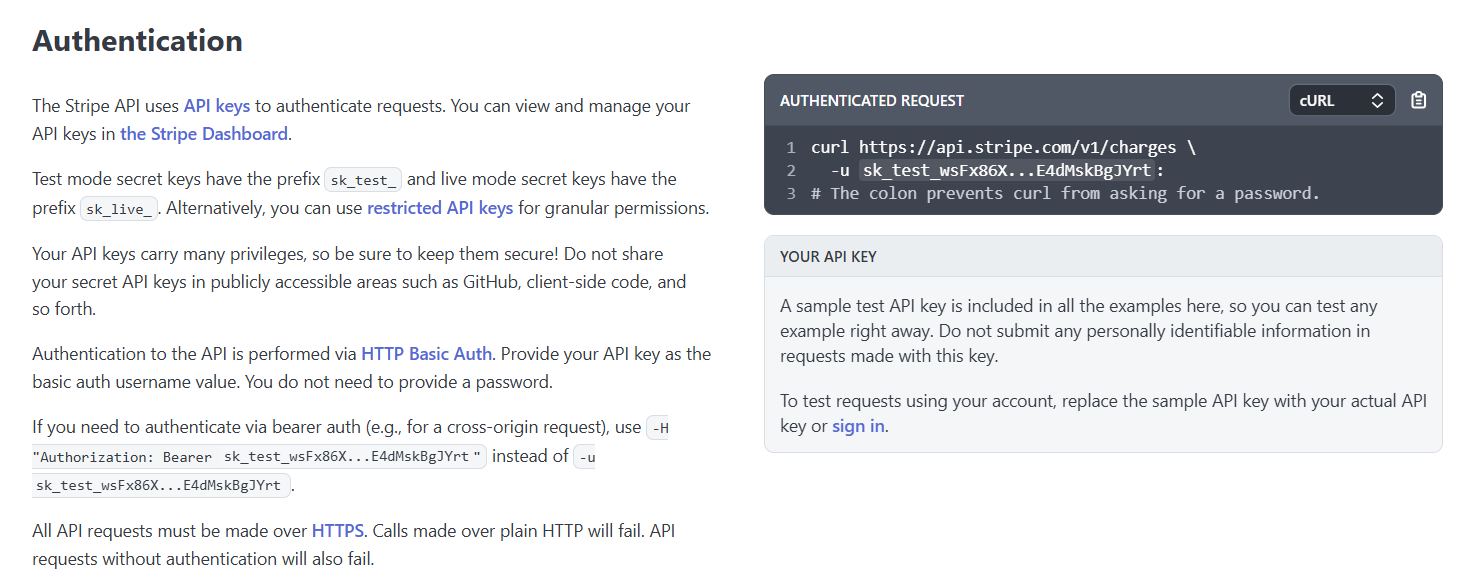
Endpoints detected automatically:
Free API integration assistant for n8n
Install the extension, scan API docs, and generate workflow or MCP outputs without creating an account.
Free
Assistant automation, ready when you are
- Primary
- Workflow auto-create
- Secondary
- MCP workflow export
- Targets
- n8n Cloud + self-hosted
- Setup
- No sign in
- Generate n8n workflows from API docs via webhook
- Export MCP server workflows for AI-agent tooling
- Smart endpoint detection across common API docs
- JSON download available as manual fallback
Need deeper integrations?
If you need custom API integrations, auth setup, error handling, or production-ready orchestration, we can build it with you.
Frequently asked questions
Answers about scanning, workflow automation, MCP export, and compatibility.
Last updated: 8 March 2026
Assistant support
Workflow not generating, endpoints missing, or MCP export incomplete? Share the API reference URL and a short note. We will review and get back to you.
Use docs with clear REST paths
Works best when the doc shows verb and an absolute URL, for example GET https://api.example.com/v1/users.
Make content visible first
Expand sections, switch code tabs to curl, and scroll the page so examples render before scanning.
Set the right method
In curl, use -X PATCH for PATCH. Without -X, the tool infers POST if there is -d, PUT if there is -T, otherwise GET.